

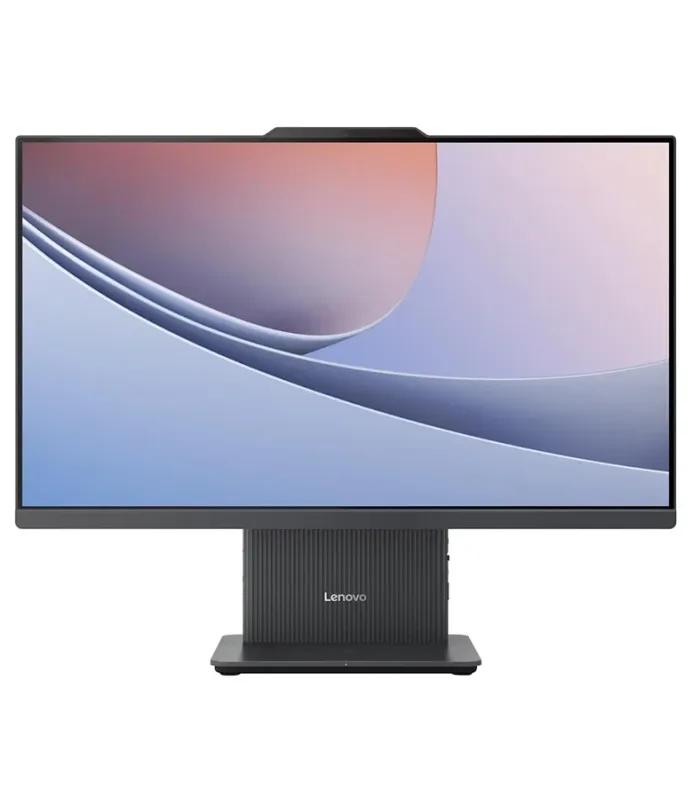
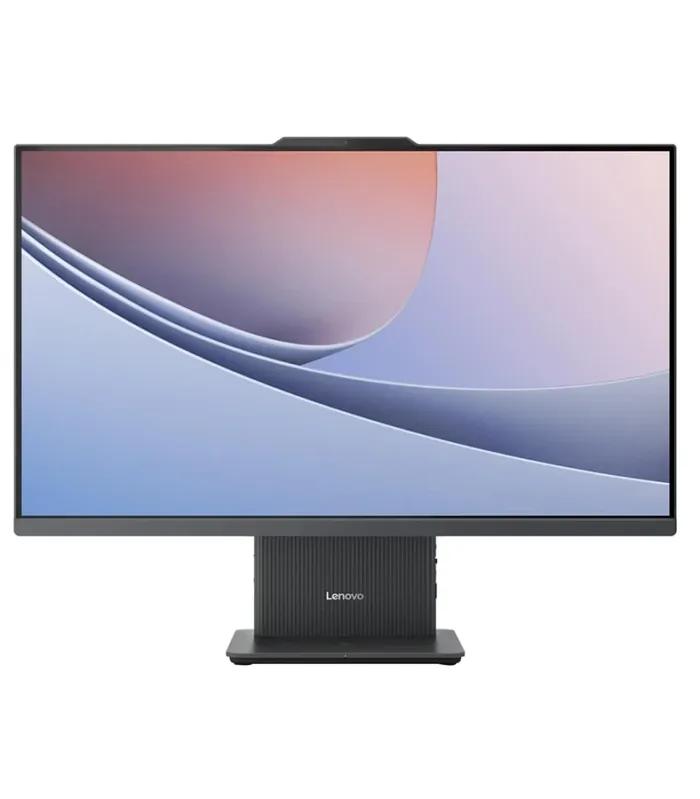
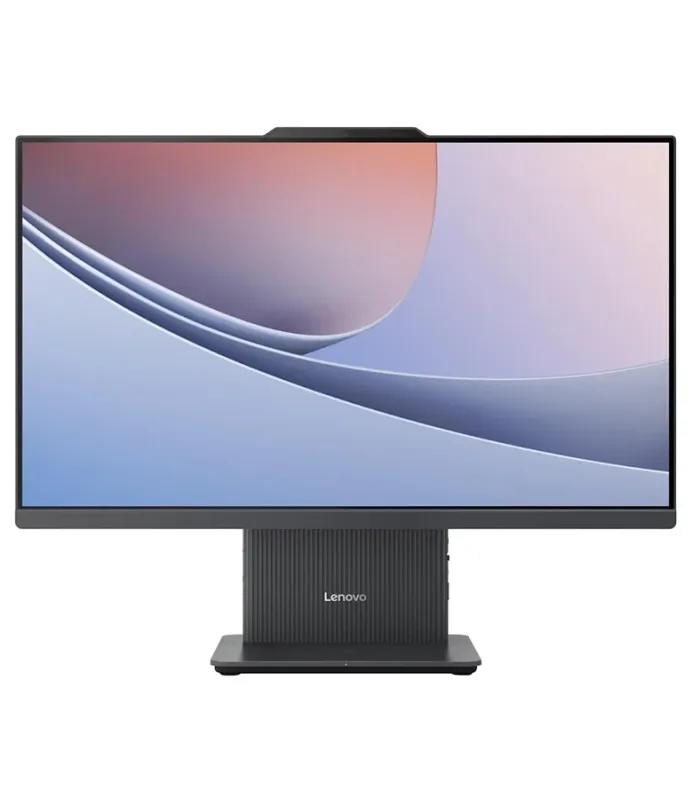


Lenovo All-in-One PC Price in Bangladesh: Ten Models, One Real Decision
The Lenovo all-in-one PC price in Bangladesh on this page runs from ৳ 58,000 to ৳ 138,000, and every figure includes the screen. That matters when you compare: a Lenovo tower plus a separate monitor can look cheaper on the shelf and cost about the same by the time it sits on your desk.
The real decision here is not Core i5 against Core i7. It is whether you are paying for current hardware or for an older configuration at a newer-looking price. Six of the ten ship with 16GB RAM and a 512GB SSD. The other four mix older processors, hard disks or thin memory, and two of them cost more than better-specified models.
The sections below sort that out using only today's prices on this page. If you are still deciding between an all-in-one and something else, the full all-in-one PC range from every brand sits one level up.
Lenovo AIO Price List: All Ten by Band
Prices form three groups. Nothing sits between ৳ 80,290 and ৳ 94,000, and nothing between ৳ 99,000 and ৳ 108,500, so each band is a genuinely different purchase.
| Band | Model | Processor | RAM / storage | Screen | Price |
|---|---|---|---|---|---|
| Entry | Lenovo A100 AIO | Core i3-N305 | 8GB / 512GB SSD | 23.8" FHD | ৳ 58,000 |
| Entry | IdeaCentre A340 | Core i5 10th Gen | 4GB / 1TB HDD | Not stated in title | ৳ 67,000 |
| Entry | IdeaCentre AIO 3 24IAP7 touchscreen | Core i5-12450H | 16GB / 512GB SSD | 23.8" IPS touch | ৳ 75,500 |
| Entry | IdeaCentre AIO Core i3 11th Gen | Core i3 11th Gen | 8GB / 1TB HDD | 23.8" FHD IPS | ৳ 80,290 |
| Mainstream | IdeaCentre AIO 24IRH9 Core i5 | Core i5-13420H | 16GB / 512GB SSD | 23.8" FHD | ৳ 94,000 |
| Mainstream | IdeaCentre AIO 24IRH9 in white | Core i5-13420H | 16GB DDR5 / 512GB SSD | 23.8" FHD | ৳ 97,000 |
| Mainstream | IdeaCentre AIO 24IRH9 Core i7 | Core i7-13620H | 16GB / 512GB SSD | 23.8" FHD | ৳ 99,000 |
| Top | 27-inch IdeaCentre AIO 27IRH9 | Core i7-13620H | 16GB / 512GB SSD | 27" FHD | ৳ 108,500 |
| Top | IdeaCentre AIO 3 24IRH9 Core i7 | Core i7-13620H | 16GB / 512GB SSD | 23.8" FHD IPS | ৳ 110,500 |
| Top | IdeaCentre AIO 5 touchscreen | Core i7 11th Gen | 8GB / 256GB SSD | 23.8" IPS touch | ৳ 138,000 |
Two patterns stand out. The mainstream band is almost one machine, the IdeaCentre AIO 24IRH9, in three versions only ৳ 5,000 apart. And the most expensive model has the least memory and storage of any above ৳ 75,500, which the mistakes section explains.
Screen Size and Touch: Choosing the Display You Will Live With
With an all-in-one you cannot swap the monitor later, so choose the display first. Eight of the ten use a 23.8-inch panel, one is 27-inch, and two are touchscreens.
23.8-inch: the sensible default
Fits a standard office or home desk, keeps the whole screen in view without turning your head, and covers almost every Lenovo AIO here. Choose it unless you have a clear reason to go larger.
27-inch: room for two windows
Worth it if you work with a spreadsheet beside a browser, or edit photos all day. Here it is also unusually good value: the 27IRH9 undercuts a 23.8-inch model with the identical processor, memory and drive.
Suggested
Touchscreen: useful for some jobs
Touch helps at reception desks, for children, for teachers marking slides and for anyone who sketches. For spreadsheets and typing it adds little, so do not pay extra for it by default.
Processor and Memory: Reading a Lenovo AIO Spec Line
Lenovo builds its all-in-ones around laptop-class chips, because a slim case behind a screen cannot cool a full desktop processor. Read the letter after the model number, then the generation.
| Processor | Type | Where it fits |
|---|---|---|
| Core i3-N305 | N-series, low power | Online classes, browsing, documents, point-of-sale screens |
| Core i5-12450H / i5-13420H | 12th and 13th Gen H-series | Office suites, accounting, video calls, light photo work |
| Core i7-13620H | 13th Gen H-series | Coding, heavier photo editing, many apps open at once |
| Core i3 / i5 / i7 10th–11th Gen | Older generations | Basic work only; check price against newer models first |
Memory matters more than the i5-to-i7 step. The ৳ 5,000 between the Core i5 and Core i7 versions of the 24IRH9 buys a modest speed gain; the 16GB both carry is what keeps them smooth with many tabs, a video call and a spreadsheet open together. Because all-in-one memory is harder to upgrade later, treat 16GB as the target from the start.
Best Lenovo All-in-One PC for Your Budget
Three bands, three kinds of buyer. Each card names what to open first and what you give up at that price.
Study and home
৳ 58,000 – ৳ 80,290
- The A100 at ৳ 58,000 is the clean pick: SSD, 23.8-inch screen
- Stretch to the 24IAP7 for touch and 16GB RAM
- Cross-check the Dell Inspiron 5430 all-in-one at ৳ 67,000
Office and freelance
৳ 94,000 – ৳ 99,000
- The 24IRH9 Core i5 at ৳ 94,000 is the best value on the page
- Pay ৳ 3,000 more only if you want the white finish and DDR5
- Compare with HP all-in-one PCs such as the HP Pro One 240 G9 at ৳ 84,090
Big screen and power
৳ 108,500 – ৳ 138,000
- The 27-inch 27IRH9 is the pick of this band
- Check the ৳ 110,500 AIO 3 listing side by side before paying more
- You give up: nothing on speed; skip the ৳ 138,000 model
Buying a Lenovo All-in-One in Bangladesh: Warranty, Power and Heat
One unit means one warranty claim
When a tower's monitor fails, you keep working on a spare screen. When an all-in-one's panel or board fails, the whole machine goes in for service. Check whether the product page names a manufacturer or seller warranty, look up the serial number on Lenovo's support site after delivery, and keep the invoice with the matching serial. Units brought in outside official channels may not be serviced locally.
Load-shedding and the built-in screen
An all-in-one loses its screen and its unsaved work at the same moment the power drops, so a UPS is not optional. It usually draws less power than a tower with a separate monitor, which means the same UPS gives you longer to save and shut down.
Heat, dust and where the unit sits
Slim all-in-ones vent through the back and base. Keep a hand's width of space behind the unit, avoid pushing it flat against a wall, and wipe the vents during dusty and humid months. A hot room slows a laptop-class chip sooner than a tower, so a spot away from direct afternoon sun helps.
On ClickBD you can pay by bKash, Nagad or cash on delivery, with delivery across Bangladesh including Dhaka and Chattogram.
Five Mistakes Lenovo AIO Buyers Make
Paying most for the oldest spec
The ৳ 138,000 AIO 5 has an 11th Gen i7, 8GB and 256GB. The ৳ 94,000 24IRH9 has a newer chip, double the memory and double the storage.
Buying a hard disk in 2026
Two models here still use a 1TB HDD. For about the same money the 24IAP7 gives you an SSD and 16GB RAM.
Assuming bigger costs more
The 27-inch 27IRH9 is ৳ 2,000 cheaper than a 23.8-inch model with the same processor, memory and drive.
Planning to upgrade later
All-in-ones are hard to open and have little spare room. Buy the RAM and storage you need on day one.
Skipping the tower comparison
If you want upgrades or a graphics card, Lenovo tower PCs paired with a separate screen from the monitor range may suit you better.
Lenovo All-in-One PC Questions, Answered
What is the Lenovo all-in-one PC price in Bangladesh?
Lenovo all-in-one PC prices on ClickBD run from ৳ 58,000 to ৳ 138,000 across ten models. The entry A100 with a Core i3-N305 costs ৳ 58,000, IdeaCentre AIO 24IRH9 models with 16GB RAM and a 512GB SSD start at ৳ 94,000, and the 27-inch IdeaCentre AIO 27IRH9 is ৳ 108,500. Every price includes the built-in display.
Which is the cheapest Lenovo all-in-one PC?
The cheapest is the Lenovo A100 at ৳ 58,000, with an Intel Core i3-N305, 8GB RAM, a 512GB SSD and a 23.8-inch Full HD screen. It suits study, browsing and office documents. If you want a touchscreen and 16GB RAM, the IdeaCentre AIO 3 24IAP7 at ৳ 75,500 is the next sensible step.
Is a Lenovo all-in-one PC good for office work?
Yes, a Lenovo all-in-one PC handles office work well and saves desk space. The IdeaCentre AIO 24IRH9 with a Core i5-13420H, 16GB RAM and a 512GB SSD at ৳ 94,000 runs accounting software, spreadsheets, browsers and video calls comfortably. There is no separate monitor to buy and far fewer cables on the desk.
Which Lenovo all-in-one PC has a touchscreen?
Two Lenovo all-in-ones on ClickBD have touchscreens. The IdeaCentre AIO 3 24IAP7 costs ৳ 75,500 with a Core i5-12450H, 16GB RAM and a 512GB SSD. The IdeaCentre AIO 5 costs ৳ 138,000 with an 11th Gen Core i7, 8GB RAM and a 256GB SSD. The cheaper one has double the memory and storage.
Can I upgrade the RAM or storage in a Lenovo all-in-one?
Upgrades are possible on some Lenovo all-in-ones but more limited than on a tower. Memory is laptop-style and may have only one free slot or none, and opening the case is harder. Buy the memory you need now: six of the ten Lenovo models here already ship with 16GB RAM.
Should I buy a Lenovo all-in-one or a tower PC?
Buy a Lenovo all-in-one if desk space, tidiness and a single power cable matter most. Buy a tower if you want to upgrade parts, add a graphics card or keep the monitor when the computer ages. Lenovo tower PCs on ClickBD start at ৳ 31,080 without a screen, against ৳ 58,000 for an all-in-one with one.
Should I choose a 23.8-inch or 27-inch Lenovo all-in-one?
Choose 23.8-inch for most single-user desks and 27-inch if you keep two windows open side by side all day. The 27-inch IdeaCentre AIO 27IRH9 costs ৳ 108,500, which is less than the 23.8-inch IdeaCentre AIO 3 24IRH9 at ৳ 110,500 with the same Core i7-13620H, 16GB RAM and 512GB SSD.
Is the Core i7-13620H in Lenovo all-in-ones a desktop processor?
No, the Core i7-13620H is a laptop-class chip, marked by the H suffix. It is fast for office work, coding and photo editing while running cooler and quieter, which suits a slim all-in-one. For long video exports or 3D rendering, a desktop-class Core i7 in a tower holds its speed better under sustained load.
Does a Lenovo all-in-one PC need a UPS?
Yes, an all-in-one needs a UPS as much as any desktop, because the screen and computer shut down together when power drops. The good news is that an all-in-one usually draws less power than a tower plus separate monitor, so a basic 650VA UPS gives you time to save your work and shut down safely.
How do I check the warranty on a Lenovo all-in-one in Bangladesh?
Check it with the serial number on the label at the back or base of the unit. Enter it on Lenovo's official support website to see the warranty start date and remaining coverage. Keep the invoice with the matching serial, and remember that a screen or board fault means the whole unit goes in for service.
Narrow the Ten to Two
Set the RAM filter above to 16GB and the storage filter to SSD, and six models remain. Then open the IdeaCentre AIO 24IRH9 Core i5 and the 27-inch 27IRH9 side by side. The ৳ 14,500 between them buys a bigger screen and a Core i7; decide whether your desk and your workload need both.
Want something else? Compare against Dell all-in-one desktops, shrink the setup with a mini PC behind your monitor, browse every desktop computer price in Bangladesh, or check laptop prices if the machine needs to move.