




Webcam Price in Bangladesh: What ৳ 2,330 to ৳ 15,500 Really Gets You
The webcam price in Bangladesh on this page runs from ৳ 2,330 to ৳ 15,500 across 14 models, and the gap between them is not just pixels. The cheapest is a 720p camera for basic calls. The most expensive is a wide-view conference camera built for meeting rooms. Most shoppers need something in the middle.
The real decision is simpler than the spec sheets suggest. Eleven of the 14 webcams here are 1080p Full HD, so resolution rarely separates them. What does is focus type, microphone quality, field of view, and how well the camera copes with a dim bedroom at night. Decide what you will use it for first, then match the price.
If you also need a headset or microphone, the wider webcams and VoIP equipment range keeps a full home-office setup in one place. Working on a laptop? Its built-in camera is usually 720p, which makes an external webcam the cheapest visible upgrade for any work or study laptop.
Webcam Price List in Bangladesh 2026, Grouped by Budget
The 14 webcams fall into three clear groups, with an empty gap between ৳ 7,499 and ৳ 12,500. It forces an early choice between a strong everyday camera and a premium streaming or conference model.
Everyday calls · 6 models
৳ 2,330 – ৳ 3,800
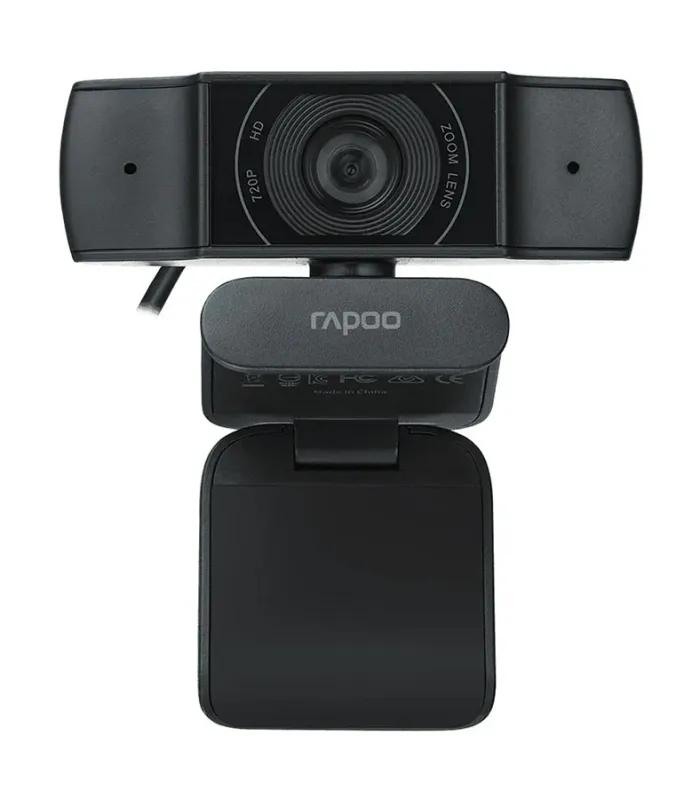
- A4Tech PK-825P 720p webcam: ৳ 2,330
- A4tech PK-910H 1080p: ৳ 2,650
- Lenovo 300 FHD with 95° lens: ৳ 3,199
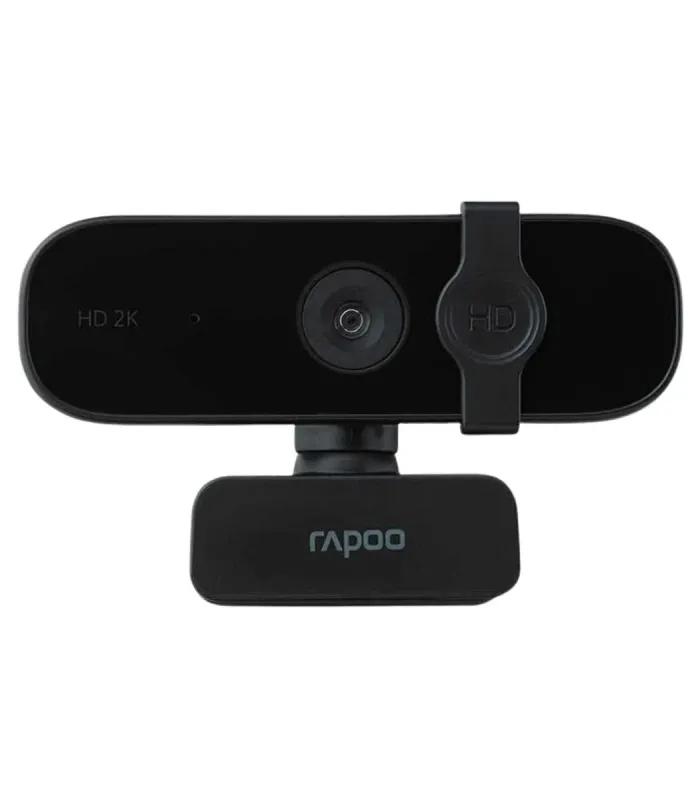
- Fantech C30 2K QHD: ৳ 3,500
- A4Tech PK-935HL 1080p: ৳ 3,640
- Logitech Brio 100 Full HD: ৳ 3,800
Classes, family calls and first-time buyers. Five of six are 1080p or better.
Better focus and audio · 4 models
৳ 4,599 – ৳ 7,499
- Redragon GW910 with ring light: ৳ 4,599
- A4tech PK-940HA autofocus: ৳ 5,430
- Logitech Brio 300 USB-C: ৳ 7,300
- ASUS Webcam C3 with beamforming mic: ৳ 7,499
Interviews, client calls and remote work, where sound and sharpness decide how you come across.
Streaming and meeting rooms · 4 models
৳ 12,500 – ৳ 15,500
- Logitech Brio 500 auto-framing: ৳ 12,500
- Logitech C922 Pro Stream: ৳ 12,500
- A4Tech PK-1000HA 4K: ৳ 13,500
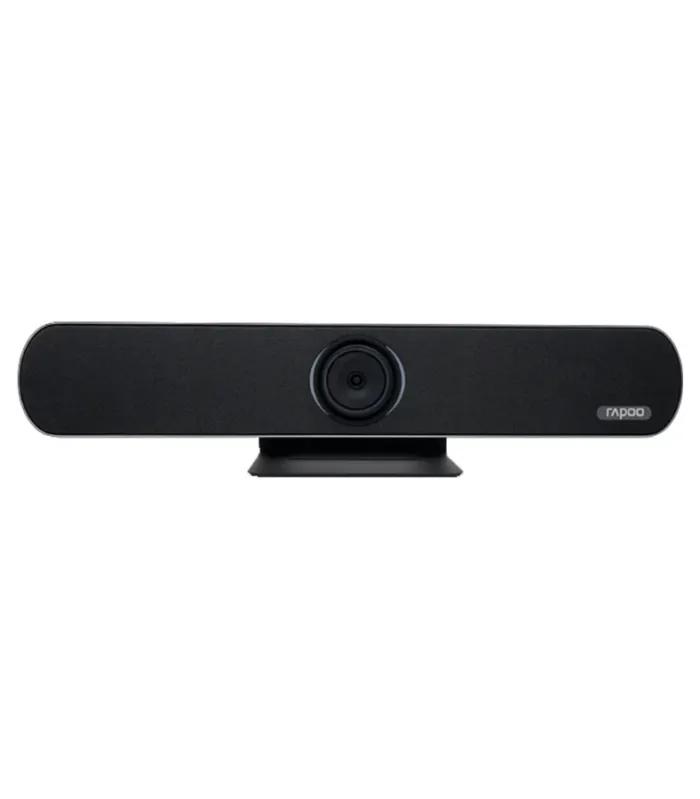
- Logitech C930e 90° conference webcam: ৳ 15,500
Creators, streamers and small offices that need 4K, framing tools or a wider view.
720p vs 1080p vs 2K vs 4K Webcam: Which Resolution Do You Need?
Resolution sets the ceiling on detail, but your meeting app sets the floor. Zoom, Google Meet and Teams compress video hard, so the extra pixels of a 2K or 4K sensor mostly show up in recordings, live streams and cropped close-ups rather than in a normal call.
| Resolution | Pixels | Best for | Cheapest here | Price |
|---|---|---|---|---|
| 720p HD | 1280 × 720 | Voice-first calls, a spare camera | A4Tech PK-825P | ৳ 2,330 |
| 1080p Full HD | 1920 × 1080 | Online classes, interviews, office meetings | A4tech PK-910H Full HD webcam | ৳ 2,650 |
| 2K QHD | 2560 × 1440 | Tutorials and sharper recordings on a budget | Fantech's 2K webcam (C30) | ৳ 3,500 |
| 4K UHD | 3840 × 2160 | Streaming, product demos, cropping in the edit | A4Tech PK-1000HA 4K autofocus webcam | ৳ 13,500 |
For most people the honest answer is 1080p. It is the most common resolution on this page, starts at ৳ 2,650, and matches what meeting apps actually send. Move to 2K or 4K only if you record or stream.
Webcam Features That Matter More Than Megapixels
Two 1080p webcams can look completely different on the same call. These six details explain why; check them in each listing before comparing prices.
Autofocus vs fixed focus
Fixed-focus cameras stay sharp at arm's length but blur when you hold a notebook or product up to the lens. Tutors, sellers and anyone who demonstrates things on camera should pay for autofocus.
Suggested
Microphone type
A single basic mic picks up fans and traffic as loudly as your voice. Dual mics, noise-reduction mics and beamforming mics, found on the Lenovo 300, Brio 300 and ASUS C3, focus on the person in front of the lens.
Field of view
A normal webcam frames one face. The Lenovo 300's 95° lens and the C930e's 90° view fit a second person, a whiteboard or a shared desk, which matters for couples, tutors and small teams.
Frame rate
30 fps is standard for calls; the ASUS C3, for example, records 1080p at 30 fps. Faster frame rates only help with quick movement, such as gaming streams, so check the listing if smooth motion matters to you.
Connection and mounting
Most models use USB-A; the Brio 300 uses USB-C, which suits newer laptops without an adapter. Every clip here sits on a laptop lid or the top edge of a desktop monitor, so check your bezel is thick enough to grip.
Privacy and smart extras
A physical privacy cover, like the one on the Redragon GW910, blocks the lens when you are done. Auto-framing keeps you centred as you move, which helps if you pace while presenting.
Suggested
Logitech Brio 500 with auto-framing, ৳ 12,500
Best Webcam for Online Classes, Office Meetings and Streaming
Match the camera to the job and the right budget becomes obvious. This table pairs each common use with what to prioritise and the models on this page that fit.
| Use | Prioritise | Budget | Good match |
|---|---|---|---|
| Online classes and exams | 1080p, built-in mic, easy clip | ৳ 2,650 – ৳ 3,800 | A4tech PK-910H, Lenovo 300 FHD |
| Job interviews and freelancing client calls | Noise-reduction mic, light balance | ৳ 3,800 – ৳ 7,499 | Logitech Brio 100, Brio 300 |
| Live streaming and YouTube | 2K or 4K, autofocus, good lighting | ৳ 3,500 – ৳ 13,500 | Fantech C30, C922 Pro Stream, PK-1000HA |
| Small meeting room | Wide view, strong mics | ৳ 12,500 – ৳ 15,500 | Logitech C930e, Brio 500 |
In shared rooms the webcam mic is often the weak link. A PC headset for calls stops echo and keeps your voice clear when several people talk at once.
Buying a Webcam in Bangladesh: Power Cuts, Internet and Warranty
Upload speed decides your picture
A 1080p webcam only looks 1080p if your connection can send it. Zoom's own guidance puts one-to-one 720p calls at about 1.2 Mbps and 1080p at about 1.8 Mbps, each way. Mobile data upload often falls short, so for interviews use broadband and a reliable router from the networking devices range.
Load-shedding and USB power
Webcams run on USB power, so they need no adapter and no voltage stabiliser. They stop when your computer stops, though. A laptop rides through a power cut on battery; a desktop computer needs a UPS if you cannot afford to drop out of a class or client call.
Humidity and lens care
Monsoon humidity can leave moisture on a lens, especially when you carry a cold webcam from an air-conditioned room into a humid one. Close the privacy cover or cap when idle, store it somewhere dry, and wipe the lens with a microfibre cloth rather than a shirt.
Warranty and payment
Ask the seller whether a model carries brand warranty or seller warranty before you pay, and keep the box and invoice. ClickBD accepts bKash, Nagad and cash on delivery, with delivery in Dhaka, Chattogram and across the country.
Logitech vs A4Tech and Other Webcam Brands
Six brands are listed here, but two of them carry ten of the 14 models. Each fills a different niche.
| Brand | Models | Price range | Where it fits |
|---|---|---|---|
| Logitech webcams | 5 | ৳ 3,800 – ৳ 15,500 | Pays off in mics, light balance and framing; strongest streaming and conference picks |
| A4Tech webcam range | 5 | ৳ 2,330 – ৳ 13,500 | Widest spread, from the cheapest 720p to 4K autofocus; best 1080p value |
| Asus webcam | 1 | ৳ 7,499 | Beamforming mic for clear speech |
| Redragon streaming webcam | 1 | ৳ 4,599 | Built-in ring light, privacy cover, dual mic |
| Lenovo webcams | 1 | ৳ 3,199 | Wide 95° lens and dual mics at a low price |
| Fantech | 1 | ৳ 3,500 | Cheapest route to 2K resolution |
No brand wins everywhere. Logitech's premium buys microphones and software features rather than resolution, while A4Tech covers more price points than anyone else on this page.
Six Webcam Buying Mistakes to Avoid
Paying for 4K just for Zoom
Meeting apps rarely send more than 1080p. A ৳ 13,500 4K camera will not look sharper on a class call than a good ৳ 3,800 one.
Judging by megapixels
The Brio 500 has a 4MP sensor yet is sold as a 1080p camera. Processing, lens and light matter more than the megapixel number.
Blaming the camera for bad light
A bright window behind you turns any webcam's image into a silhouette. Face the light source instead of sitting with your back to it.
Manual focus for product demos
The PK-935HL's manual focus is fine for a fixed seat but fiddly if you keep lifting items to the lens. Pick autofocus for demos.
Using a loose USB hub
Cheap hubs and worn front-panel ports can drop the camera mid-call. Plug straight into a rear or built-in port.
Recording with the webcam mic
Built-in mics are fine for meetings, not for tutorials or voice-overs. Add a dedicated PC microphone for anything you publish.
Webcam Price in Bangladesh: Frequently Asked Questions
What is the webcam price in Bangladesh right now?
On ClickBD, webcam prices in Bangladesh currently run from ৳ 2,330 for the A4Tech PK-825P 720p model to ৳ 15,500 for the Logitech C930e. Most 1080p Full HD webcams sit between ৳ 2,650 and ৳ 7,499, while premium streaming and conference models start at ৳ 12,500. Prices change with stock and discounts, so check the listing before you order.
Which webcam is best for online classes?
A 1080p webcam with a built-in mic under ৳ 4,000 suits most online classes. The A4tech PK-910H at ৳ 2,650 and the Lenovo 300 FHD at ৳ 3,199 both work well on Zoom and Google Meet. The Lenovo adds a 95° lens and dual mics, which helps when a teacher needs to see your notebook or desk.
Is a 1080p webcam enough for Zoom and Google Meet?
Yes, 1080p is enough for Zoom, Google Meet and Microsoft Teams, because these apps rarely send video above 1080p. A 4K webcam will not look sharper on a normal call. Spend the extra money on autofocus, a better microphone or light correction instead, since those change how you look and sound far more than extra pixels.
Is an external webcam better than a laptop camera?
Usually, yes. Most laptop cameras are 720p with tiny sensors, so an external 1080p webcam such as the Logitech Brio 100 at ৳ 3,800 gives a sharper, brighter image. It also sits at eye level on your monitor instead of looking up at your chin, and you can move it between a desktop and a laptop.
Is a webcam better than a phone camera for meetings?
For daily meetings, yes. A phone camera may have a better sensor, but a USB webcam stays mounted, draws power from the computer, is never interrupted by calls or notifications, and works with every meeting app without extra software. A phone is a fine backup, while a ৳ 2,330 to ৳ 3,800 webcam is the more reliable everyday tool.
How much internet speed do I need for webcam video calls?
For a one-to-one Zoom call, plan on about 1.2 Mbps upload for 720p video and about 1.8 Mbps for 1080p. Group calls sending 1080p need roughly 3 Mbps or more. Upload speed is the number that matters, and mobile data upload in Bangladesh is often lower than download, so test your connection before an interview or exam.
Why does my webcam video look dark or grainy?
Webcam video looks dark because small sensors need plenty of light, and most rooms light you from behind or above. Sit facing a window or lamp and switch off the bright light behind you. Models with light correction or a built-in light, such as the Redragon GW910 with its adjustable ring light at ৳ 4,599, handle dim rooms better.
Do I need a separate microphone with a webcam?
Not for classes and meetings in a quiet room, because the built-in mic on most webcams is clear enough. Choose noise-reduction mics, like the one on the Logitech Brio 300 at ৳ 7,300, if you work near traffic or family noise. Streamers, podcasters and voice-over freelancers should add a dedicated USB or clip-on microphone.
Which webcam is best for streaming on Facebook Live or YouTube?
For streaming, pick a webcam built for recording rather than just calls. The Logitech C922 Pro Stream at ৳ 12,500 is designed for live streams, the A4Tech PK-1000HA at ৳ 13,500 adds 4K with autofocus, and the Fantech C30 at ৳ 3,500 offers 2K resolution on a budget. Good front lighting matters as much as the camera itself.
Narrow It Down in Two Clicks
Scroll back up, set the price filter to your band, and open two webcams side by side. Compare focus type, microphone and field of view before price; if both match on paper, take the one with autofocus. Setting up a whole desk? The full computer accessories collection has the rest.