My ClickBD
MacBook Pro Shuts Down After Liquid Damage? Expert Logic Boa
Lowest price in Bangladesh:
Seller info
Sold by:
AppleLabBD
Member since:
31 Dec 2010
Location:
Dhaka Dhanmondi
Safety tips:
Don’t pay in advance
Meet in a safe & public place
Meet in a safe & public place
Description
DESCRIPTION for MacBook Pro Shuts Down After Liquid Damage? Expert Logic Boa price in Bangladesh
|
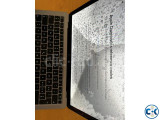
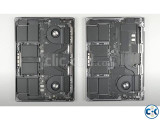
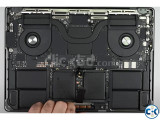
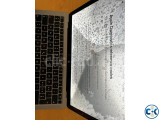
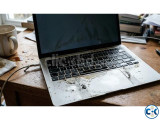
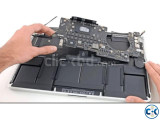
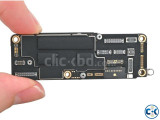
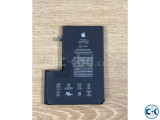
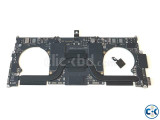
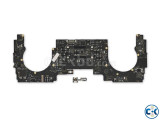
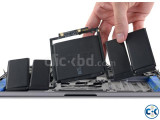
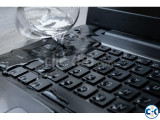
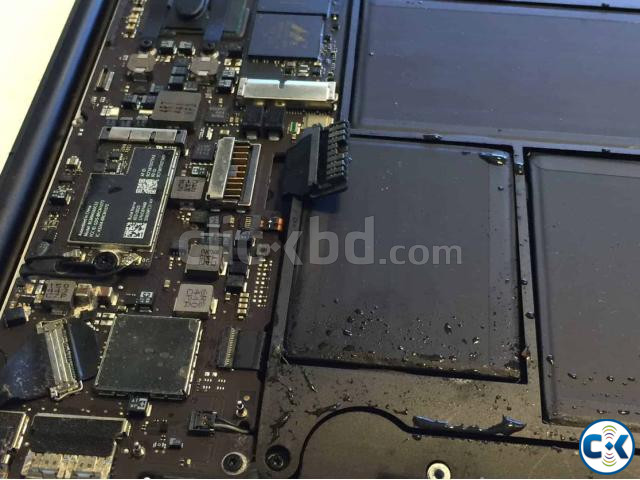
Did your MacBook Pro suddenly shut down after spilling water, tea, coffee, or any other liquid? Not powering on even when plugged into the charger? In cases of liquid damage, simply replacing the battery or charger might not solve the issue. Water or liquid can damage sensitive components, power circuits, and connectors on the logic board. Common Symptoms of Liquid Damage MacBook shut down after a liquid spill Not powering on Not charging even when the charger is connected Keyboard or trackpad not working Black display MacBook shutting down repeatedly Random restarting Battery not detected USB-C Port not working Corrosion visible on the logic board Our Liquid Damage & Logic Board Services Apple Lab — Dhanmondi ADC Empire Plaza, 2nd Floor, Shop 316 Road 12/A, Satmasjid Road, Opposite Pizza Hut Dhanmondi, Dhaka-1209 |